End-to-end workflow
Work through QC, normalisation, integration, clustering, annotation, and differential expression as one coherent path, not isolated demos.
A hands-on course Nygen brings to your core facility, lab, or research group, online or on-site. Participants work the full single-cell workflow, from count matrices to interpretable biology, with expert guidance and time to troubleshoot their own data.
Practical fluency in single-cell analysis, without a multi-day workshop.
Work through QC, normalisation, integration, clustering, annotation, and differential expression as one coherent path, not isolated demos.
Learn why labels decide downstream biology, and how structured AI workflows support evidence-grounded annotation you can inspect and defend.
Sized for small to mid-size groups so participants can work their own data. Help researchers complete early analysis steps themselves so facility experts can focus on harder review and biological questions.
Two parts across the day, with breaks and open Q&A.
Evidence-grounded labels you can defend
From matrices to shared, interpretable results
Learn from domain experts in single-cell biology and computational genomics.

PhD, Computational Genomics
PhD in computational genomics (Lund University). Single-cell computational biologist with deep methods expertise in annotation and analysis workflows. Co-founder and CEO at Nygen.
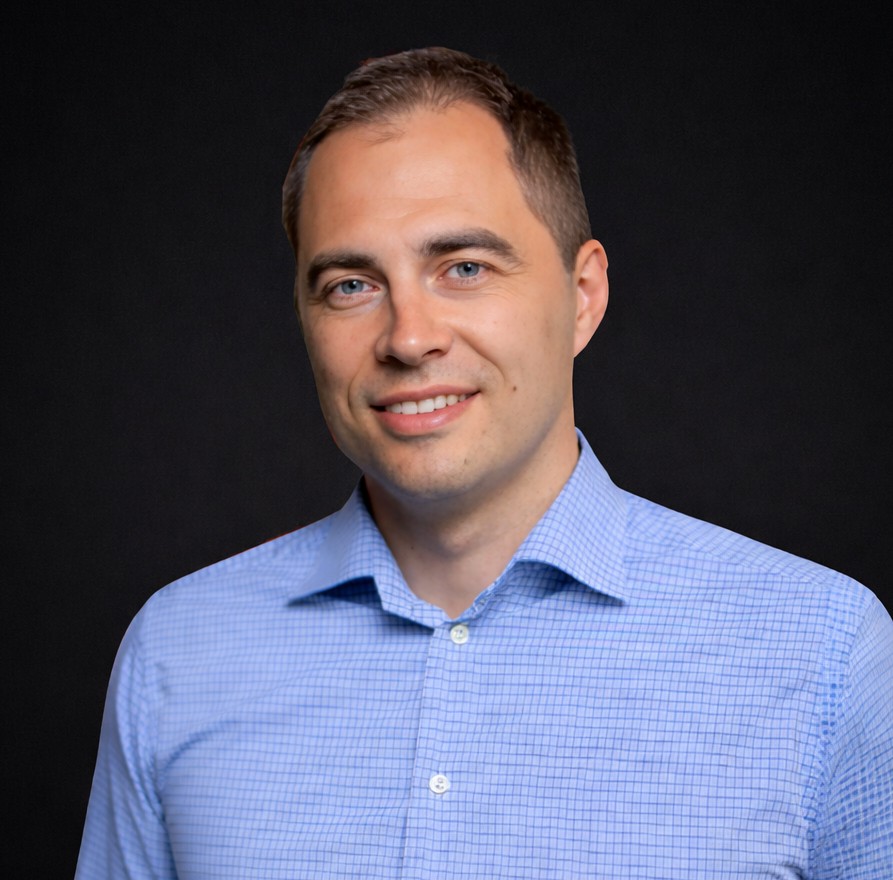
Associate Professor, Lund University
PhD, Associate Professor in Molecular Hematology at Lund University. Leads a molecular hematology group and teaches the experimental and biological side of the course, from study design to reading results in context. Co-founder and Head of Partnerships at Nygen.
How delivery, security, and booking work.
We organise this course with core facilities, labs, and research groups. We do not take individual sign-ups. If you are an individual researcher, ask your facility or group lead to request a session for your wider team.
Explore our core facility locator mapHands-on work runs in a browser-based analysis environment provided for the course (ScarfWeb), including an evidence-grounded AI annotation workflow (CyteType). Sessions are sized for small to mid-size groups so participants can work on their own data. Participants need only a laptop and internet access. No local install, and no software purchase is required to take part.
When a session runs over the lunch hour, Nygen sponsors lunch for everyone. Participants stay in the room, keep the momentum, and use the break for informal Q&A.
Analysis runs on ISO 27001 and SOC 2 aligned cloud infrastructure. You can choose the data region, including EU options. Course data is not used beyond hosting and support for the session.
Open Trust CenterWe only run this course with core facilities, labs, and research groups. We do not take individual sign-ups. Ask your facility or group lead to request a session, online or on-site. Free to host and attend.
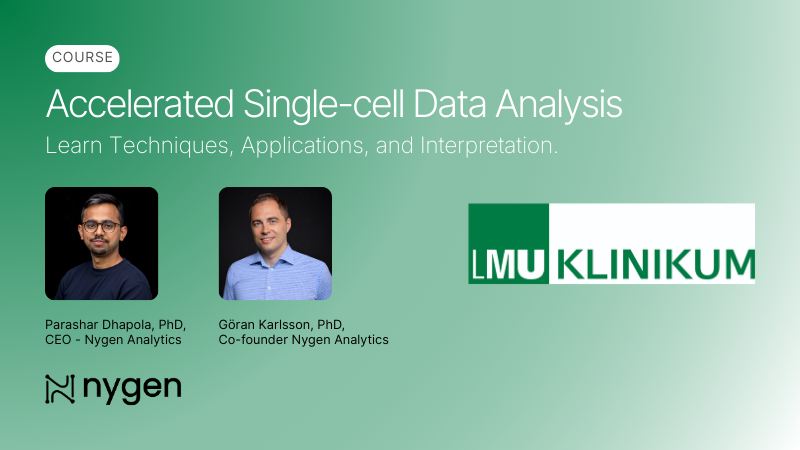
Accelerated single-cell data analysis course with LMU Klinikum.
Read more →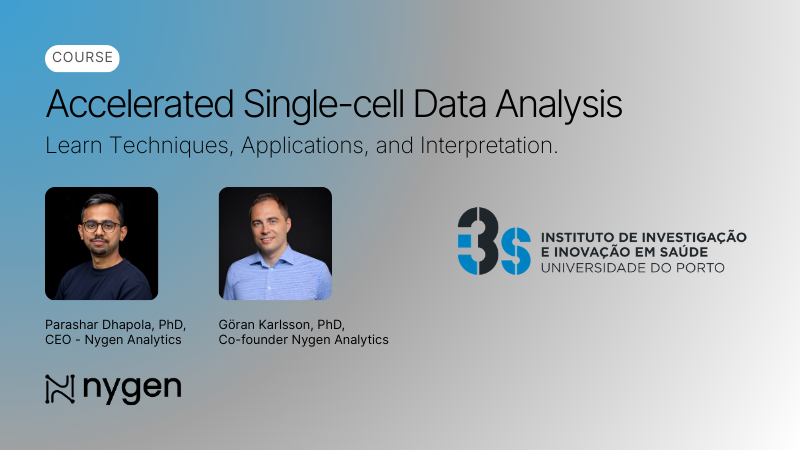
Hands-on single-cell RNA-Seq and multi-omics analysis course at i3S Porto.
Read more →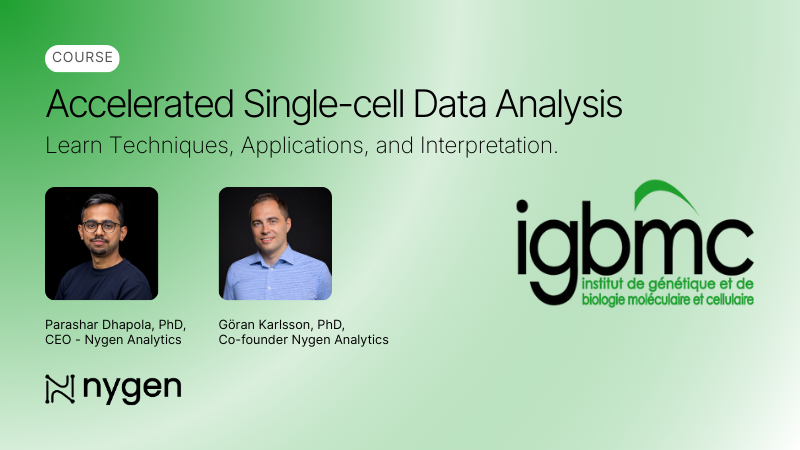
Accelerated single-cell data analysis course with IGBMC.
Read more →